Elvox 7548 video entryphone shenaningans
Jul 24th, 2026 - scudoThis video entryphone has a terrible ringtone for when the doorbell outside the door is rang, and a relative of mine wanted it changed. So, I got to work.
First things first: yes, there is a way to do this from the unit itself, but it's a PITA and it does not look very cool while you do it.
The objectively much cooler way to change the ringtone is by communicating with the unit via the serial port on the back:
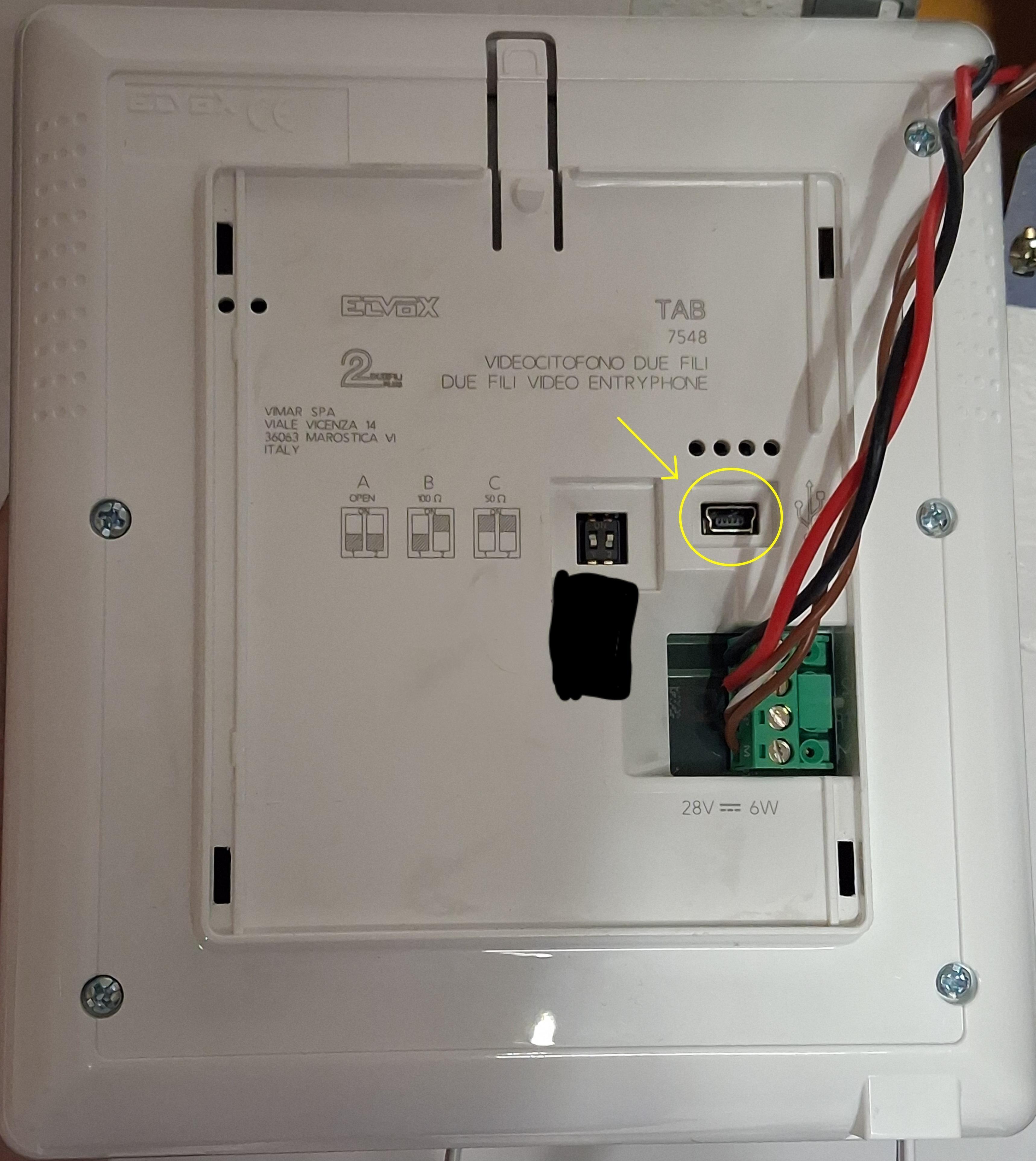
As you can see, there is a mysterious mini USB port; that is just a serial interface, meant to connect to Elvox's programs. For my unit, a program called SaveProg is needed:
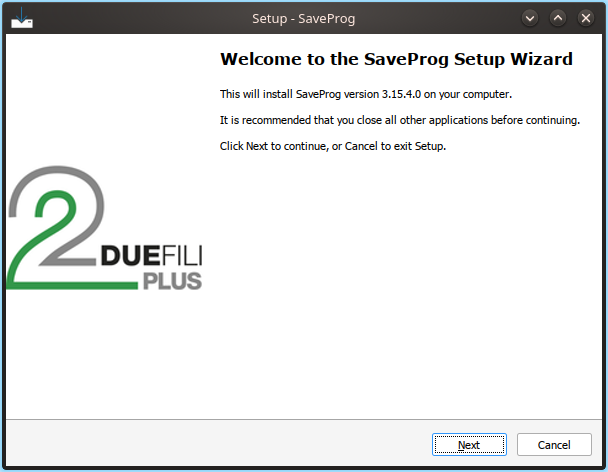
(yes, for some reason it is publically available. No idea why. Thanks though).
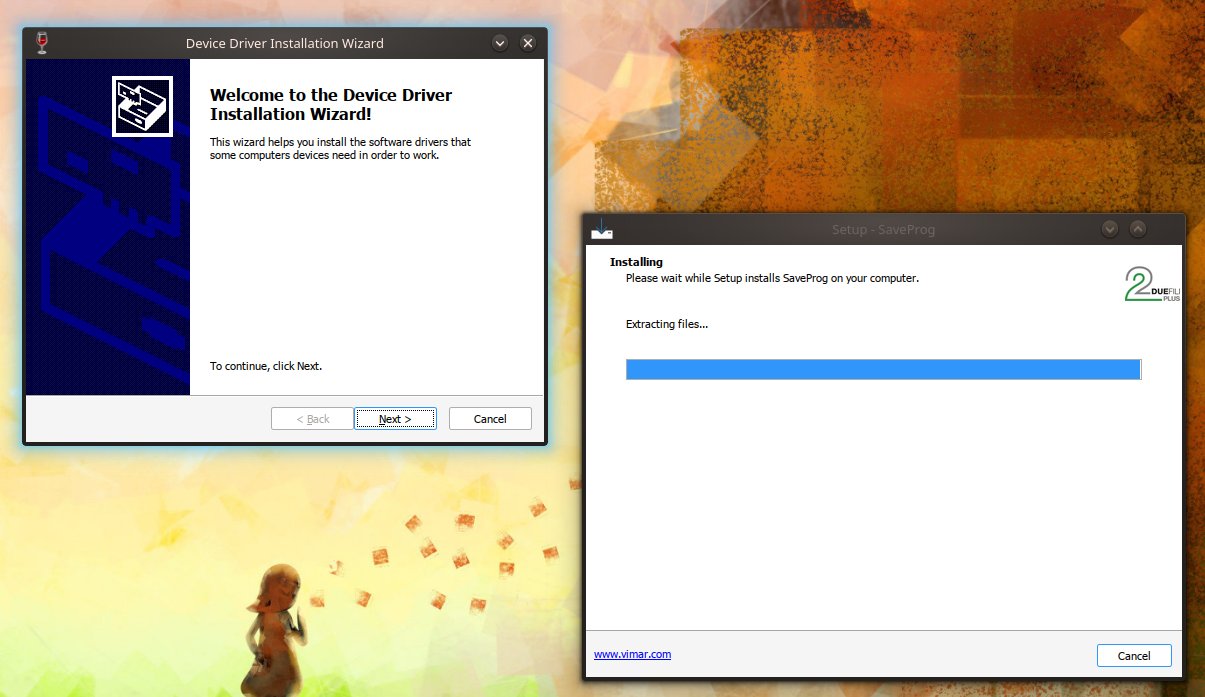
It installs some drivers for all the different RS232/FTDI to USB bridges:
And this is the full-ish interface:
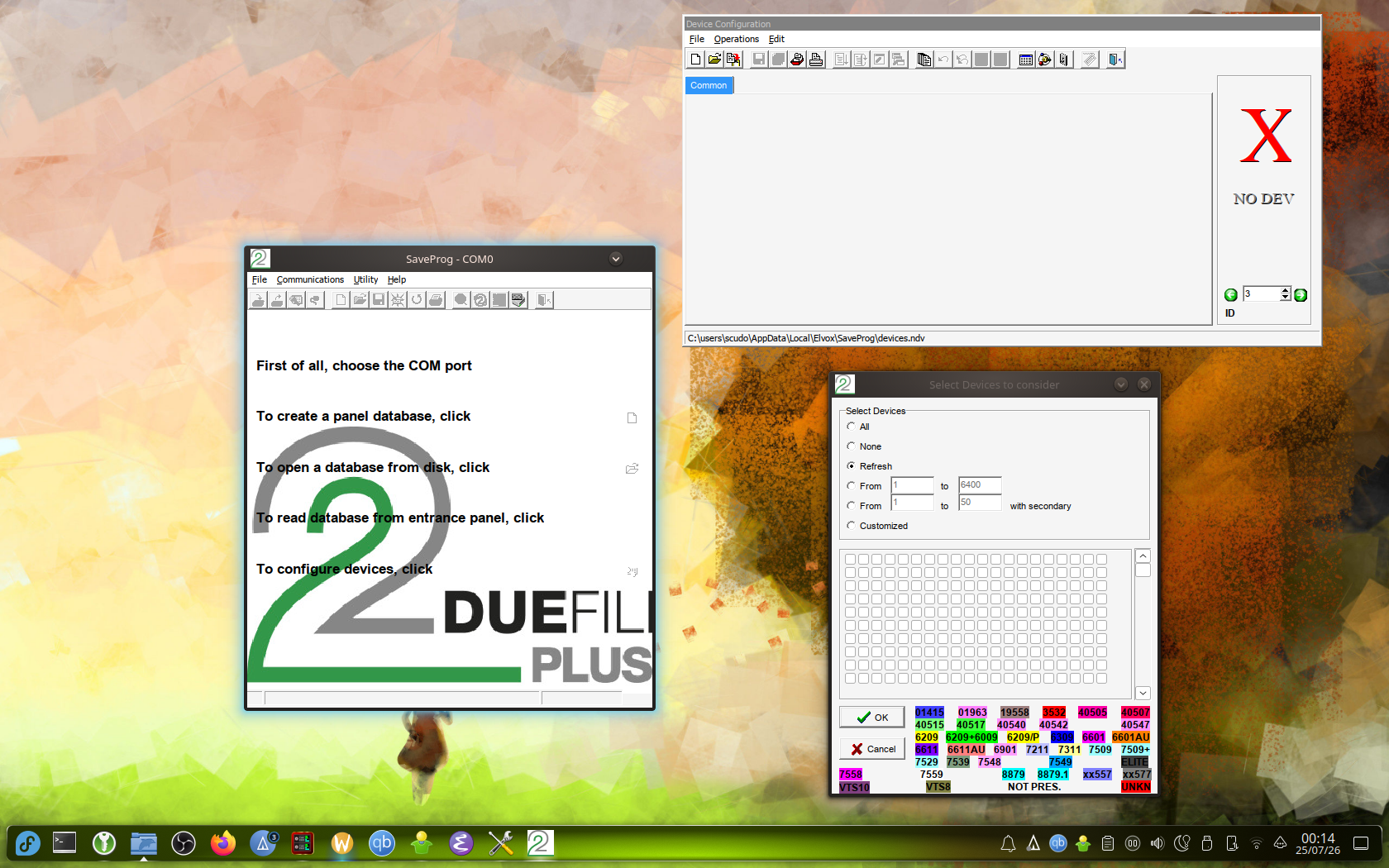
The window on the left is used to select which serial port you want to use, the window on the bottom right is used to tell the software with which kind of device you want to talk to (because SaveProg supports a whole host of different Elvox Due Fili devices), and the third one shows all the properties of the selected device.
Multiple devices can be controlled at the same time, and by the looks of it it is possible to manage different devices on the same serial port (or maybe I got it wrong? IDK I don't work for them lmao); it is surely possible to control all supported connected devices in the Device Configuration window (the one on the top right).
I don't have screenshots of the software actually connected to the device, so I can't tell you how to actually do what I did; suffice to say, it was a huge pain to change the damn ringtone once because the device just wouldn't show up (I assume it needs to be also connected to power and everything else?) and I'm not about to do it again for a blog post.
Anyway, this was my fun adventure with a video entryphone. I hope Elvox doesn't mind me :)